
Duration
Team
The project kicked off in February with a fixed deadline: launch the MVP in August for the first partner U.S. universities.
Six months from a blank slate — discovery, product definition, design system, and handoff — to being live for the start of the academic term.
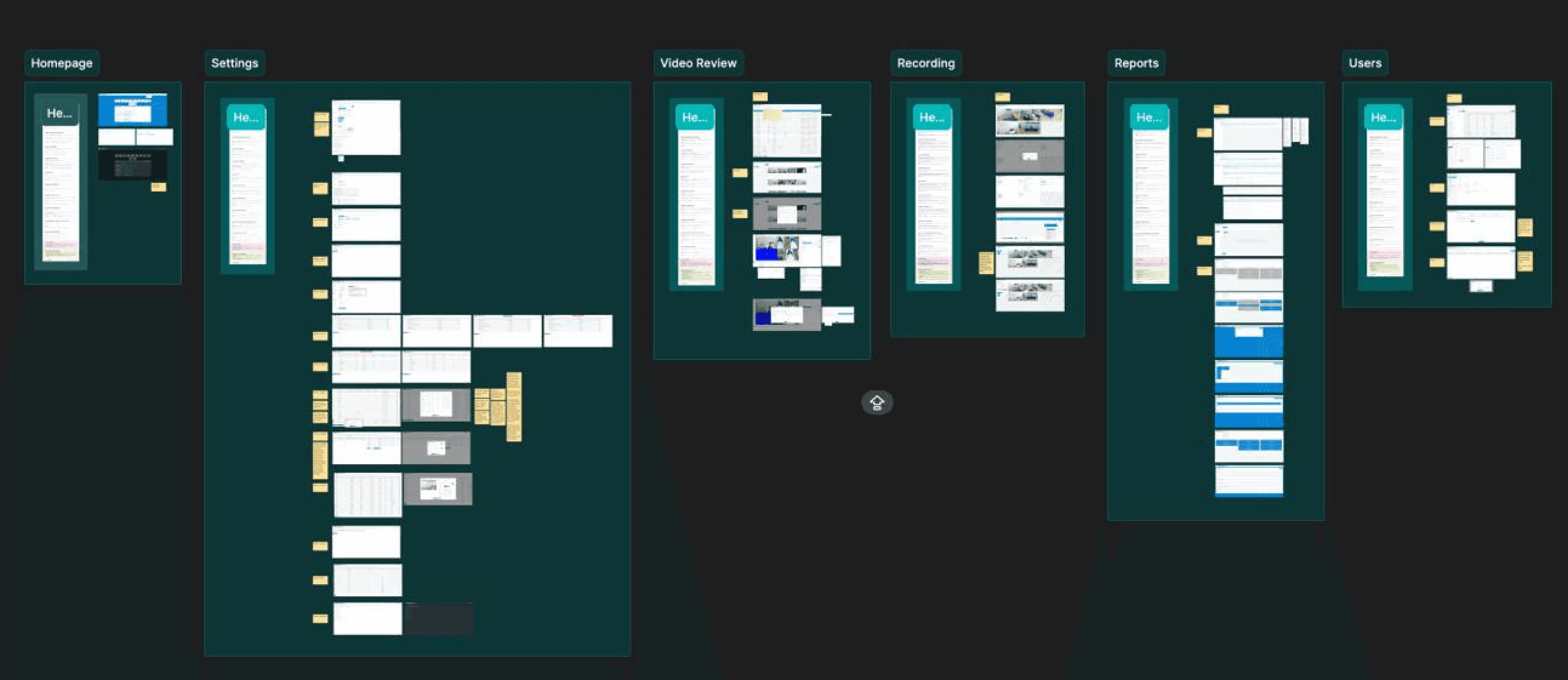

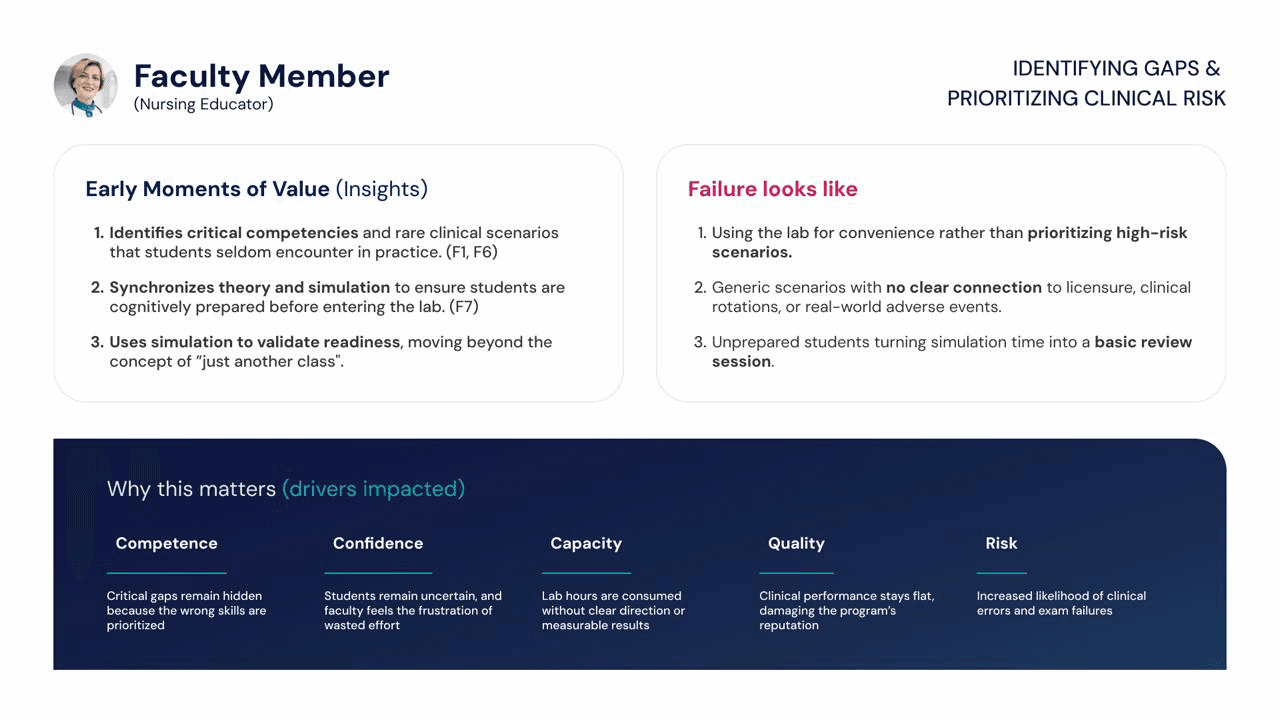
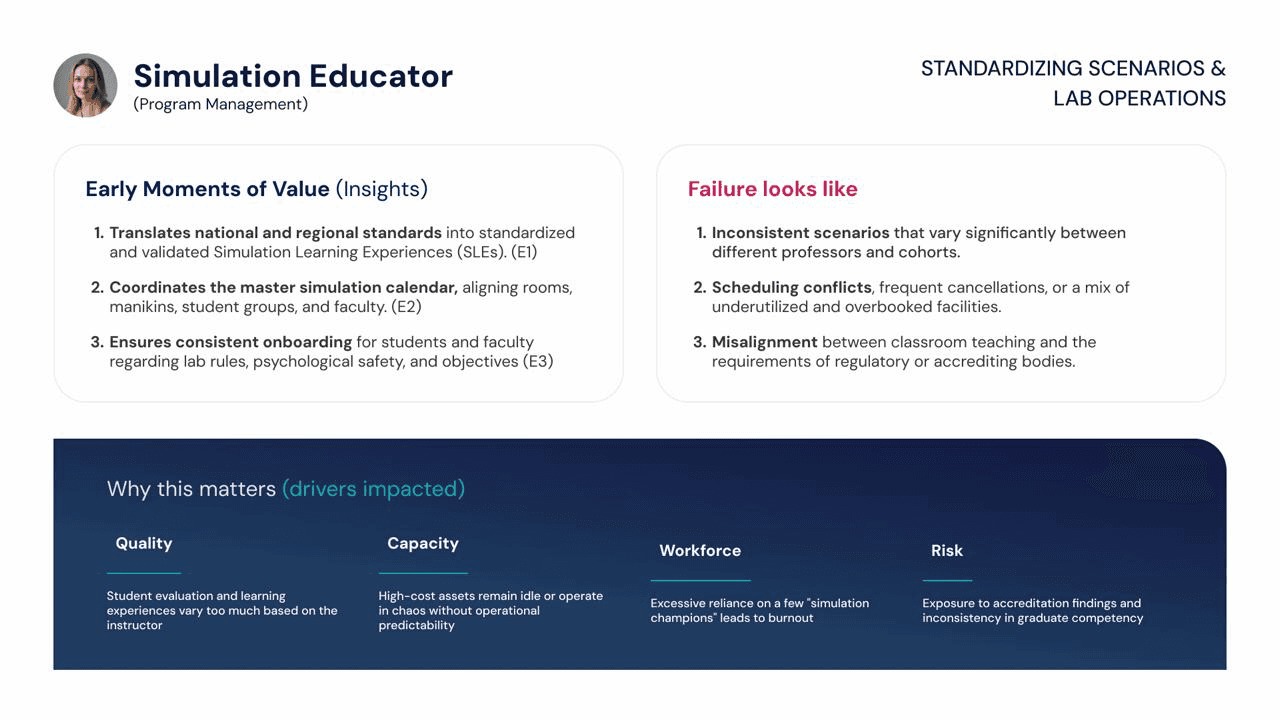


Mental model
Intent-based navigation: Now, Next, Later
Instead of deep menus organized by module, navigation was designed around the user's time focus. The system opens already anticipating each person's most urgent need, instead of waiting for them to go looking for it.
NOW - TODAY
Evaluation queue / Live Grid
For the educator, the AI-assisted evaluation queue appears first. For the Sim Tech, it's the live map showing equipment failures, like a manikin running low on battery.
NEXT - PREPARATION
Schedule and cheklists
What needs to be ready for the next session: rooms reserved, prep materials, and standardized patient confirmation status.
LATER - GROWTH
Analytics and planning
Capacity modeling, accreditation reports, and Institution 360 — data that supports budget decisions, not just day-to-day operations.
Key pattern
Turning conflict into a one-click decision
The most reused pattern in the system: whenever a risk condition is detected — a delay, a missing standardized patient, unavailable equipment — the interface replaces the generic alert with an "Adaptive Card" that already frames the decision.
SITUATION
STANDARDIZED PATIENT

AI-augmented process
A design flow built for an MVP measured in weeks, not quarters
To sustain MVP speed without losing consistency, the design process embedded two specialized AI agents — one for decision planning, another for design-system governance — directly into the code repository, shortening the distance between design intent and a working screen.
01 →→→
Context Contract
02 →→→
Experience definition
03 →→→
Componenty Inventory
04 →→→
Sandbox Build
05 →→→
Context Contract
06 →→→
From Cursor to Figma, and back
We tested a round-trip cycle between low-fidelity in Figma, working high-fidelity in Cursor, and editable structure back in Figma via MCP — cutting down the rework of manually redrawing a screen that already existed in code, keeping the implementation as the source of truth.
From usage signal to design decision
Usability testing was cross-referenced with real behavioral data to turn hypotheses into decisions — redesigning based on friction patterns observed in real use, not opinion.

Design system & operations
Consistency as a prerequisite for speed
REUSE FIRST
Search before you create
Every new component requires justifying why an existing one won't do — with Storybook required before it enters the shared system.
CONSISTENCY MAPS
Audited patterns
CRUD screens and event surfaces were mapped side by side to eliminate silent variations of the same pattern across different parts of the product.
DOCUMENTED RULES
Decisions became rulings
Recurring questions — modal vs. side panel, empty states, focus, permissions — became written decisions, avoiding reopening the same debate on every ticket.
Outcome
What this way of working unlocked
A system of record repositioned as an active orchestration system — a category shift, not a version upgrade.
Product pillars designed under a single intent-based navigation model
Now / Next / Later
Handoff to engineering with a screen contract and versioned branch — less interpretation rework between design and dev.